

You do not need a whole plot to begin
You want a character to talk to and a story that feels like yours. Start small: choose someone whose personality interests you, send one message, then guide the next moment. There is no need to build a bot or write a long backstory first.
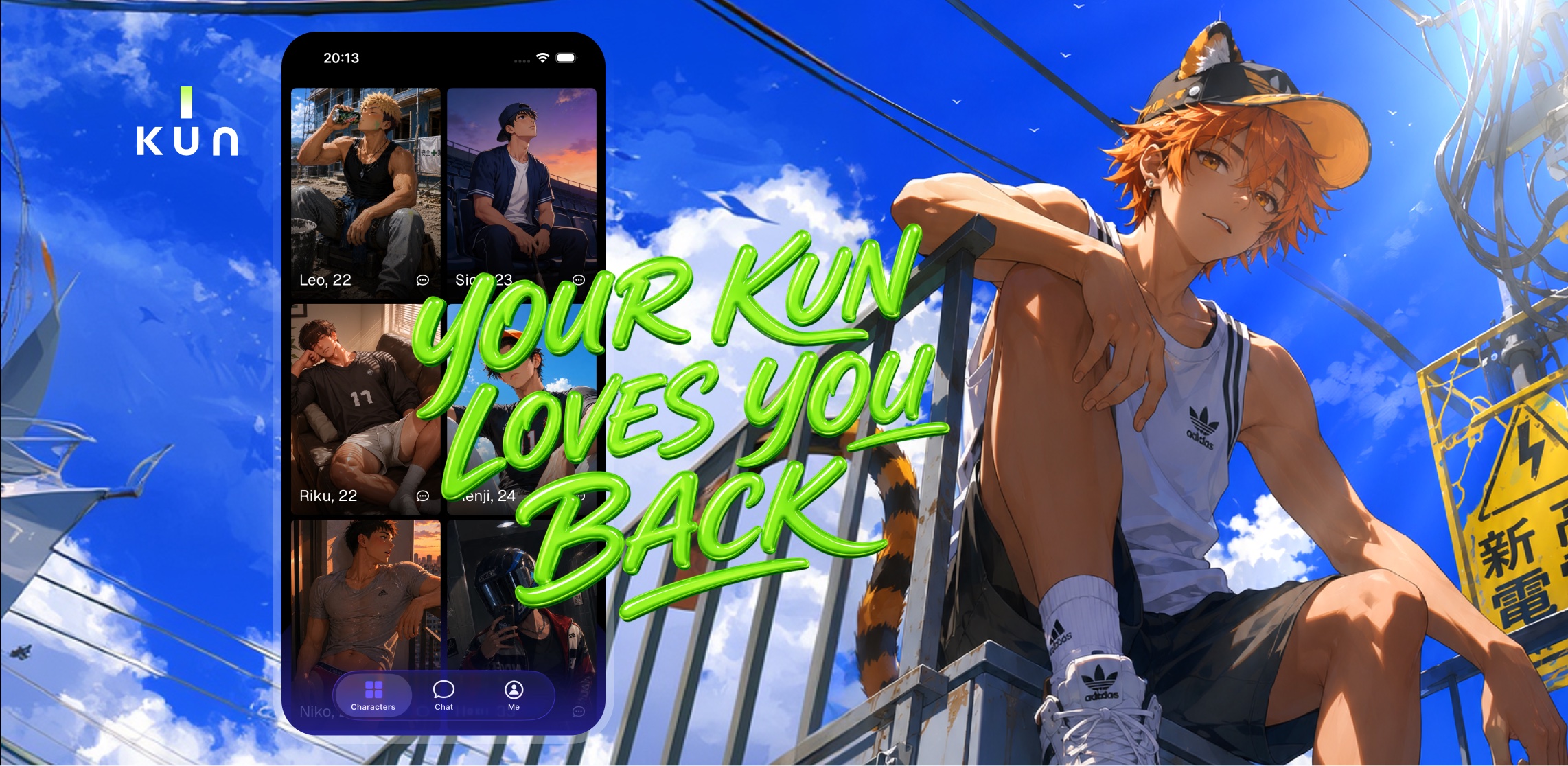
KUN is for adults aged 18+ and the age of majority where you live. Characters are fictional AI. This walkthrough uses existing KUN website product screens; layout and character availability can differ in your installed version.
1. Get KUN and check the current offer
Use the App Store or Google Play button below. Complete the onboarding and consent choices shown in your version. You can start for free with limits; Full Access and Shrimps are optional purchases. Check the allowance and regional prices shown in the app before paying.
2. Pick a personality you want to explore
Open the character selection in KUN and choose an original character. Start with the feeling you want: playful conversation, a quiet check-in or a slow-burn scene. You can explore a different character if the first one is not your type.


Want help choosing a personality? Explore anime romance archetypes and pick a dynamic you would like to try.
3. Send one message with a mood and a moment
A useful opening tells the character where you are and the kind of scene you want. You do not need to get the wording perfect. Try one of these original starters, or change it to sound like you.
These are writing suggestions, not recorded KUN replies. The AI’s response varies. Read the reply and choose what you want to say next.
4. Make the scene yours
Say what you want more of: “Stay with this scene,” “Keep it light,” or “Let us slow down.” If the character makes an assumption you do not want, correct it directly. Your next message can be short.
For BL-inspired fiction, you can choose a dynamic such as rivals, slow burn or a gentle confession. All characters and scenarios must follow KUN’s Community Guidelines.
5. Return to one detail worth continuing
When you come back, try a small callback: “We left the café before the rain stopped. Continue from that walk home.” KUN uses recent context and relevant memories, but AI recall is not perfect. Correct a detail if it drifts instead of feeling you must rewrite the entire story.
You can reset a conversation or delete memories. Full Access includes longer memory; see what to expect from character memory.
Voice messages are not currently available in KUN. This guide does not require voice or the upcoming photo generator.
Your first goal is a conversation you want to continue
Choose one character and send one message. If the tone fits, stay in the scene. If not, change your direction or try another character. You decide when and whether to purchase anything.
For the creation features still in preparation, see the clearly marked photo generator preview and original scene prompts.