
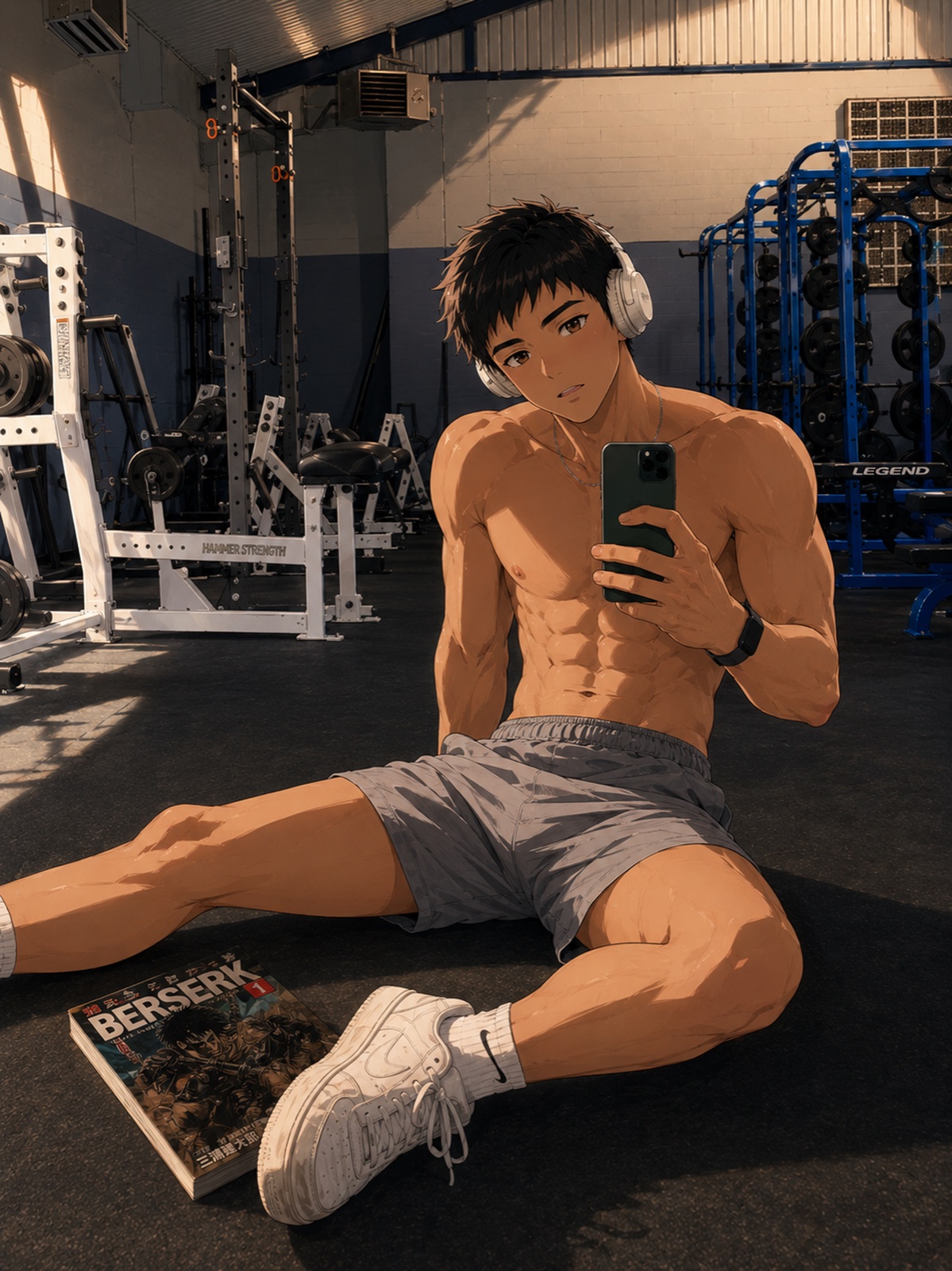
From an idea to an image
Choose your character
Start with a character available in the generator.
Set the scene
Describe the setting, outfit, action and mood.
Make it yours
Review a result, try another variation and keep the moments you like.
Start with a moment, not a perfect prompt
An original adult man, 27, with short dark hair, amber eyes and a forest-green jacket, sitting by a seaside café window with an iced coffee, relaxed smile, warm sunset light, anime illustration, waist-up composition.
This is an example prompt, not a tested KUN output. The generator is in development; its final interface, supported settings, prices and results may change.
Private creation comes first
The first release is planned around private image creation. A community feed and public UGC will come later. Public publishing is not part of the initial photo-generator release.
What comes next
- First: photo generation Describe an image with a character. Private creation first.
- Next: character creation Build an original character for your own ideas.
- Then: visual stories Bring scenes together into a story.
- Later: public sharing and UGC Community features follow the private creation stages.
Before you start
Can I generate photos in KUN today?
This page previews an upcoming feature. It does not provide a working generator, and downloading the current app does not guarantee access to photo generation.
Will photo generation be free?
Launch pricing, usage limits and platform availability have not been confirmed here. Check the release version for current details.
Can I publish images to a community feed?
Not in the initial private release. Public sharing and UGC are planned for a later stage.
Can I create my own character in the first release?
Character creation is a separate stage planned after photo generation.