
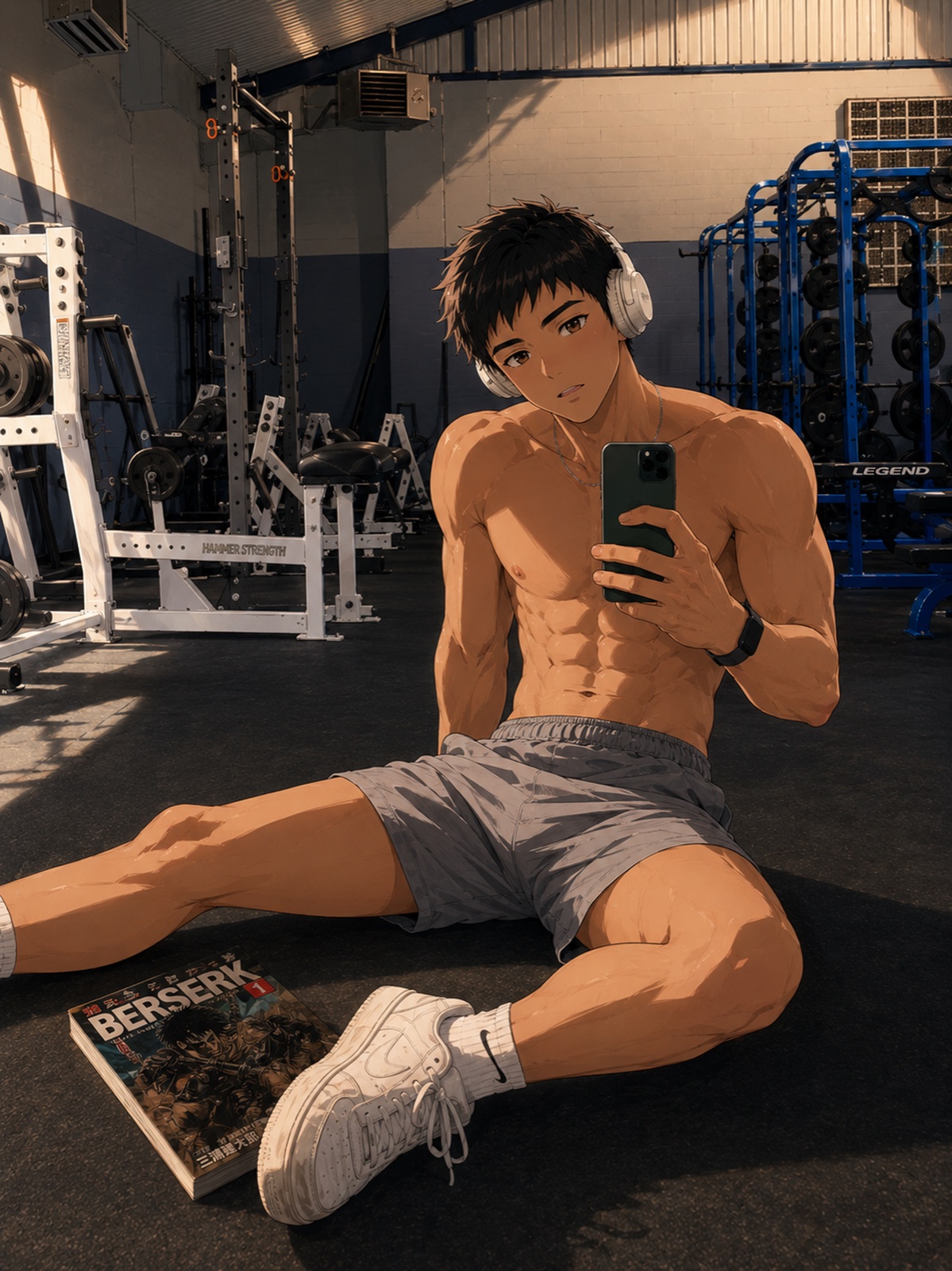
One character, three connected moments
- Set the scene. Show who is there and what they want.
- Change something. Introduce a choice, interruption or unexpected meeting.
- Leave a consequence. Let the final image show what changed.
For example: an adult archivist opens a returned book, finds a letter addressed to him and waits by the library door. Each frame has one visible action and a reason to follow the next. This is an editorial story idea, not a generated KUN result.
Prepare a visual story brief
Write the character note once, choose a setting and describe each moment in a single sentence. Keep the outfit and distinctive details stable unless changing them matters to the story. Exact generation controls, panel counts and character limits will be confirmed with the released product.
Planned after character creation
KUN’s sequence is photo generation, character creation, then visual stories. Each starts privately. Public UGC and community discovery follow later. This preview is not a released story editor and does not promise video generation.
Start with the photo-generator preview, then explore the planned character creator.